

Video Transcript
Hey, this is JT with Silver Street Marketing, and, we will be going over how to generate real estate buyer leads and seller leads from advertising your listing on Facebook. We’re going to be going through how to do that, the conversion-based strategy, and to just give you an overview.
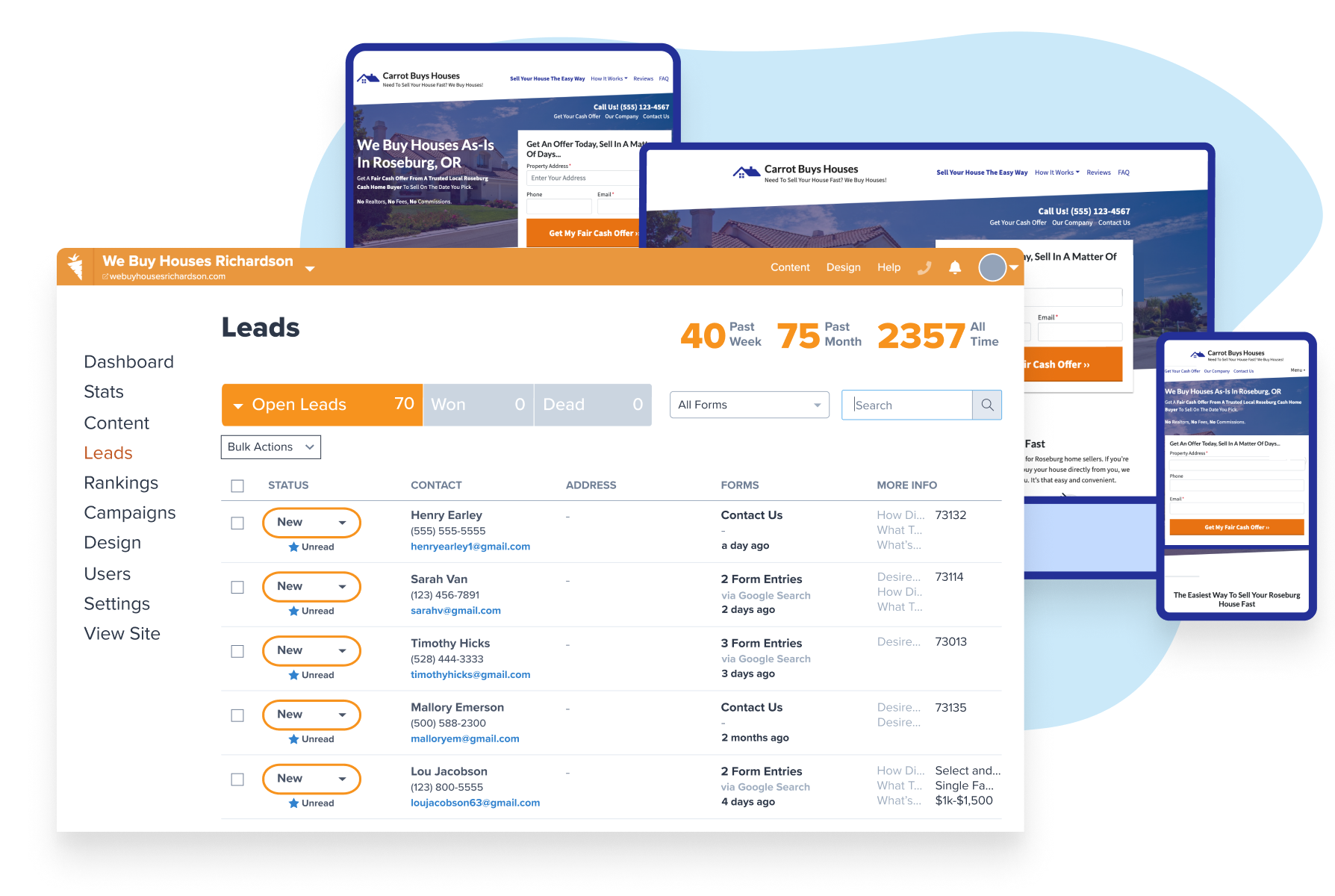
For today’s example, we’re going to use Carrot to set up the landing page, as well as setting up a Facebook campaign and creating the actual ad.
Always remember there is nothing wrong with exploring your options, but the most important thing is to be consistent. The reason why I say this is because there are so many ways to advertise your listing online.
You’re going to hear all these different strategies, and this one, in particular, is one that I’ve used to manage for my clients and I’ve seen amazing results out of.
Just only a few days of marketing a listing at $5 a day for one of my clients and we came in with 24 leads at $2 apiece. All for one listing that they had obtained. This is what I’m going to be teaching you guys today because I think there is a lot of value in getting actual emails, phone numbers, and names of people who are looking at buying a new home.
Now, a lot of those will have an existing home, especially depending on the price range of home that you’re advertising that they need to sell. Being focused on providing value is going to help us as we try to convert these leads.
There’s going to be other ways to do this, obviously, but this is the way that I’ve seen success, and it’s a lead-based strategy so we can actually get some phone numbers, and emails, and names that we could be contacting and setting up follow-up processes for so that we can have people coming through our pipeline.
Create a Strategy to Generate Real Estate Buyer Leads and Seller Leads
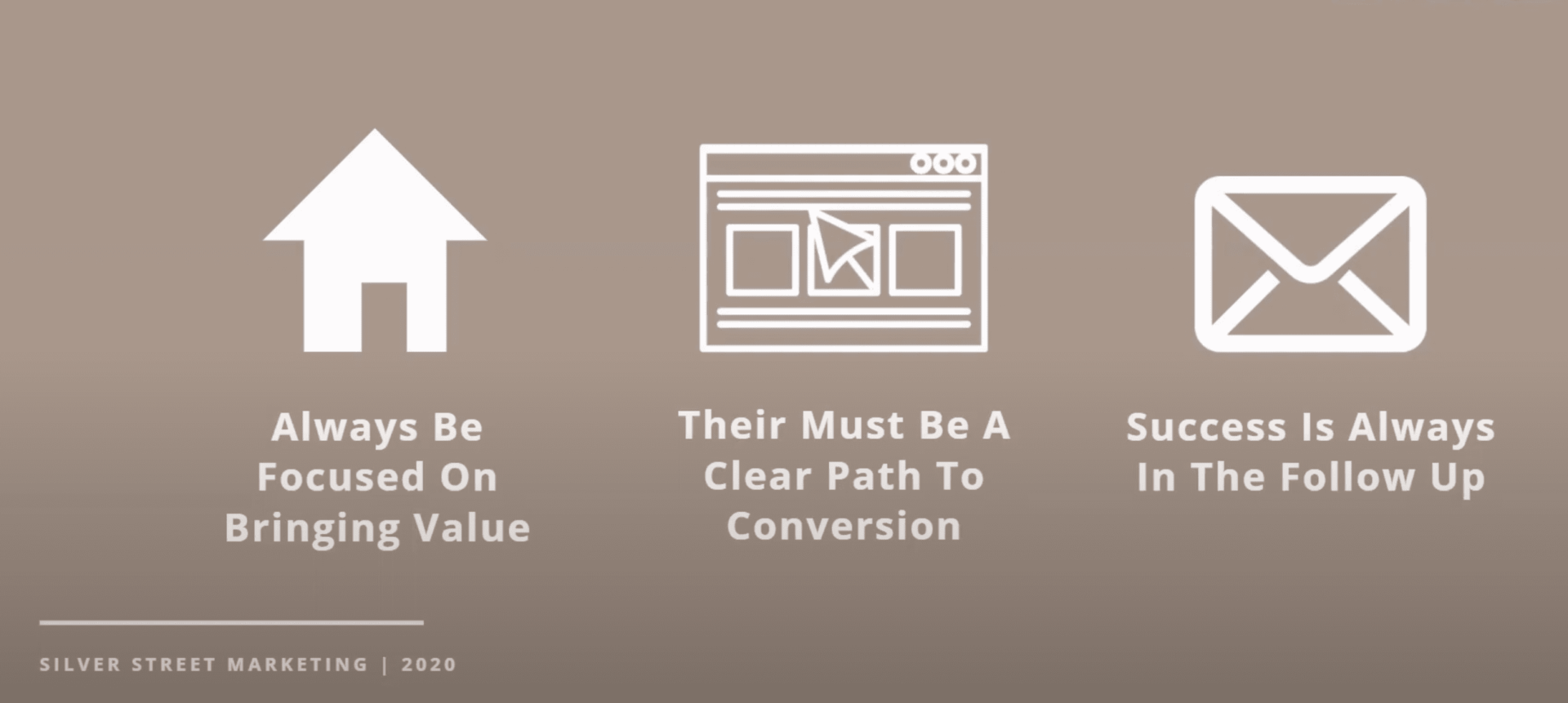
The first thing that we need to talk about is creating our strategy. First off, to lay down the kind of base layer so we know in what way that we’re moving, is first, we always need to be focused on bringing value.
In this case, the value that we’re bringing is information on this property.
We’re thinking about all the things that somebody who’s looking at buying a new home or interested in selling their house and getting another one in the market because the rates are low, or for whatever reason that they’re going through at that moment.
We need to be able to bring value to that situation, and that doesn’t only apply to our ad. This applies to every little piece of follow-up, any engagement with this person, whether it’s through our digital marketing, through our physical talking, or any other piece of follow-up that we send them, we need to bring value.
By doing that, you’re going to be able to really become the agent that works with this person.
Number two, there must be a clear path to conversion. We need to make sure we have a website or a lead form in place that’s very simple and easy, is a very straightforward way to collect and disperse information so that we have everything set up correctly and we make sure that we are providing that value that we’ve been talking about that we’re going to be using in our ad.
Then lastly, success is always in the follow-up. Do not give up on these leads because they don’t respond to your first email or your first phone call.
Most deals are not closed until between the ninth and the 12th interaction. Keep that in mind, success is always in the follow-up.
Laying Out How to Move the Lead Through the Process
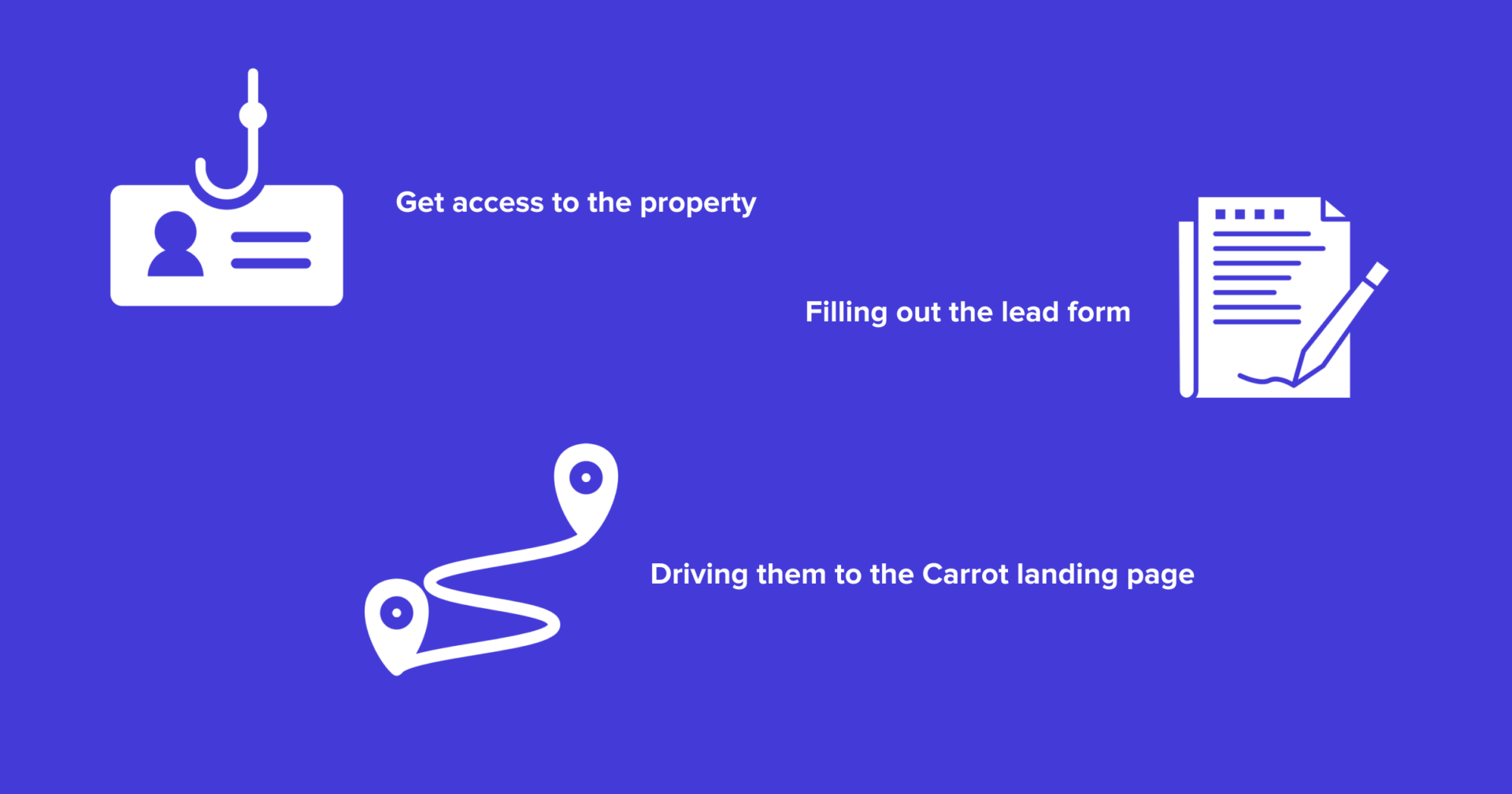
All right. This is really where we’re going to lay out how we’re going to move this lead.
First, we need to get access. We need to say, “Let’s get access to the property,” so we’re going to use that as our hook.
We’re going to say, “Hey, do you want access to a specific property that’s for sale?” We’ll go into this script a little bit later, but that’s going to be our first piece. That’s going to be kind of our hook that gets somebody interested.
Next, we need to have a clear path, and that path is going to be driving them to the landing page. Now, we’re going to be using a Carrot landing page. I’ll be showing you how to create that Carrot landing page and how to use that as a conversion tool.
Lastly, our goal is going to be filling out the lead form. That’s kind of our path for this lead and what we’ll be doing.
How to Create Your Landing Page to Generate Real Estate Buyer Leads and Seller Leads
Now, that we have everything kind of a base layer set up, let’s jump in and actually build out the Carrot page.
Now, I like this first image squeeze page.
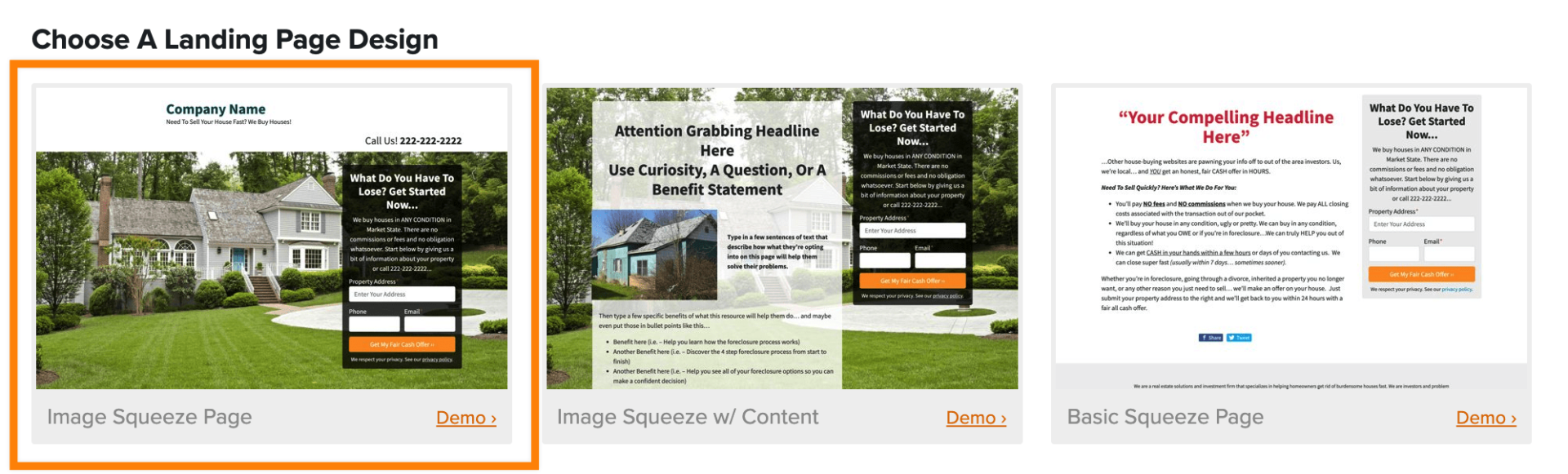
This is the one that I usually go with. Now, I’ve tested other ones as well, but this one is a really good one to be advertising your listing. Now, we’re going to give it a quick title.
We’re going to do a Listing Landing Page or Listing LP. Next, be sure to select an opt-in form. Now, if you haven’t created an opt-in form specifically for this landing page, then we’re going to show you how to do that.
Usually, the easiest way for me to go through this is I just pull up one, and then I hit Edit Form, and then we go in, and we are going to go to Forms, and then we’re going to pick the one that we want to duplicate.
Usually, what I like to do is I like to use this, “What do you have to lose? Get started now.” It’s usually the one that fits the best for this landing page, so we’re going to go ahead.
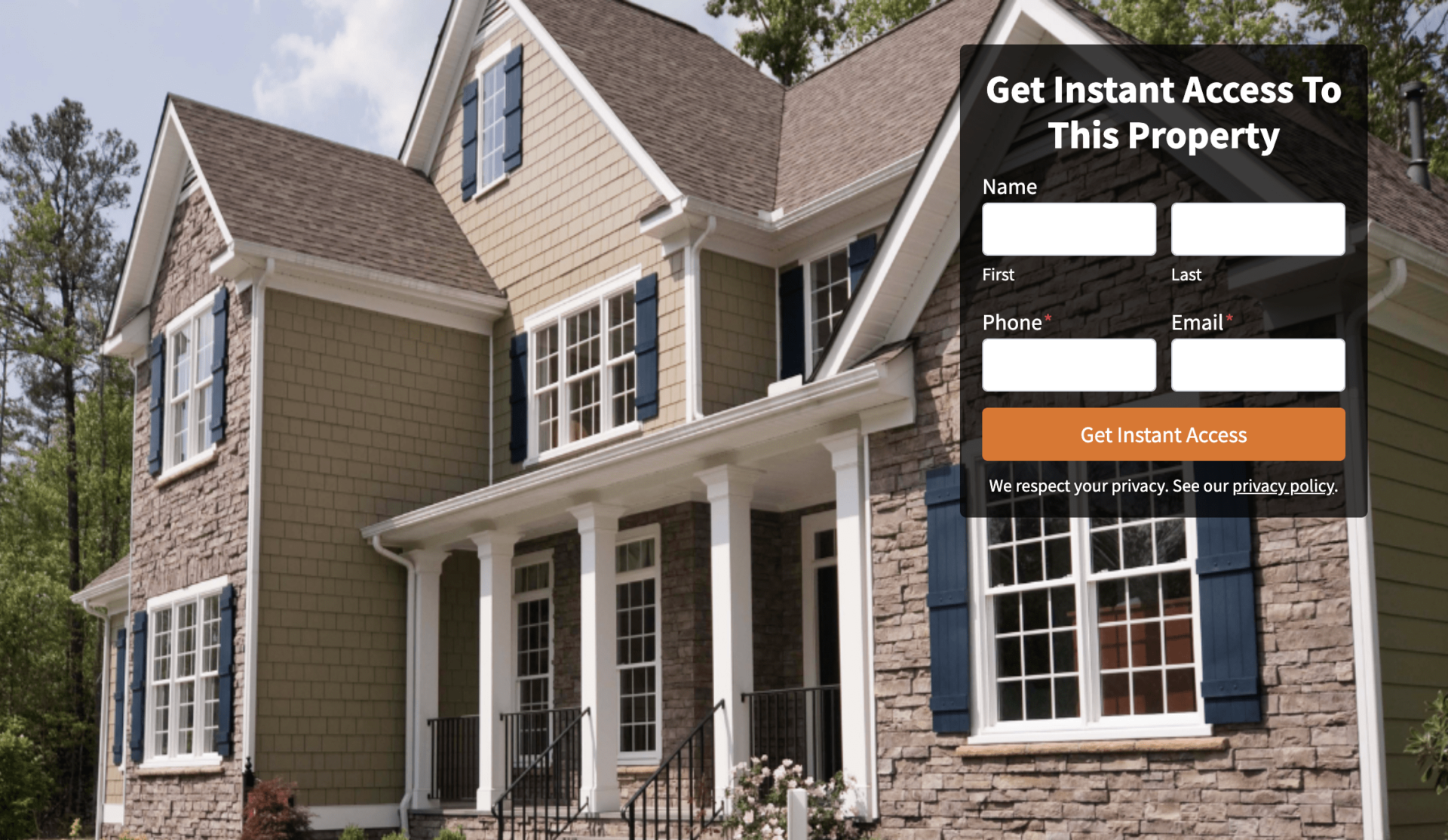
We duplicated it, and we’re going to go ahead and edit it, and we’re going to put, “Get Instant Access To This Property,” and we’re going to hit Update, and we’re going to be asking for the name, the phone number, and the email address.
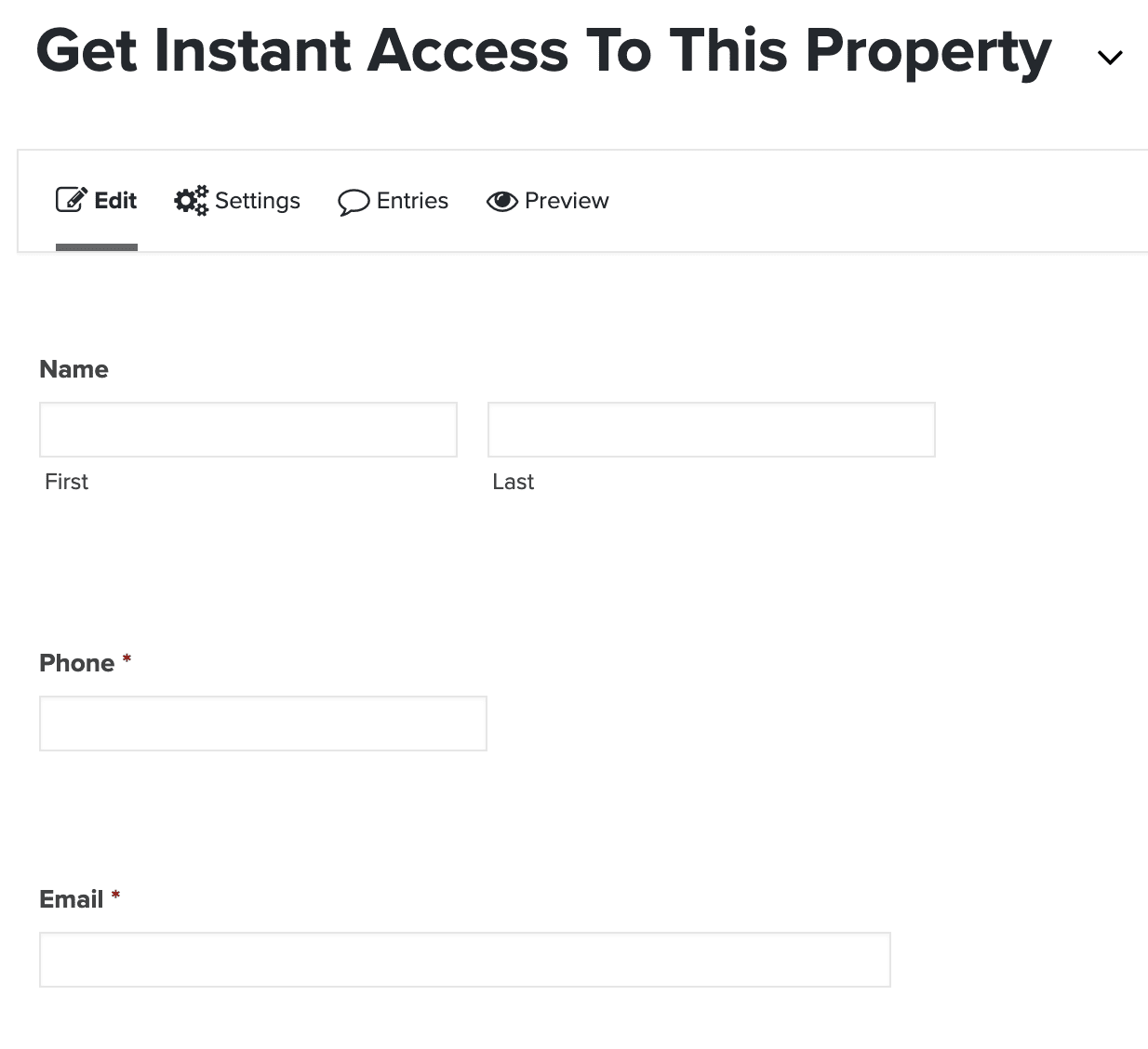
All right. That’s perfect. Now, we’re going to go into the Form settings. You can put a little note here like, you could always if you’re going to send them more properties in the future, you can put, “We will send more properties similar to the property you’re interested in in the future,” or whatever you’d like. That’s up to you on this form, but we’re going to go ahead and we’re going to change the button to Get Instant Access.
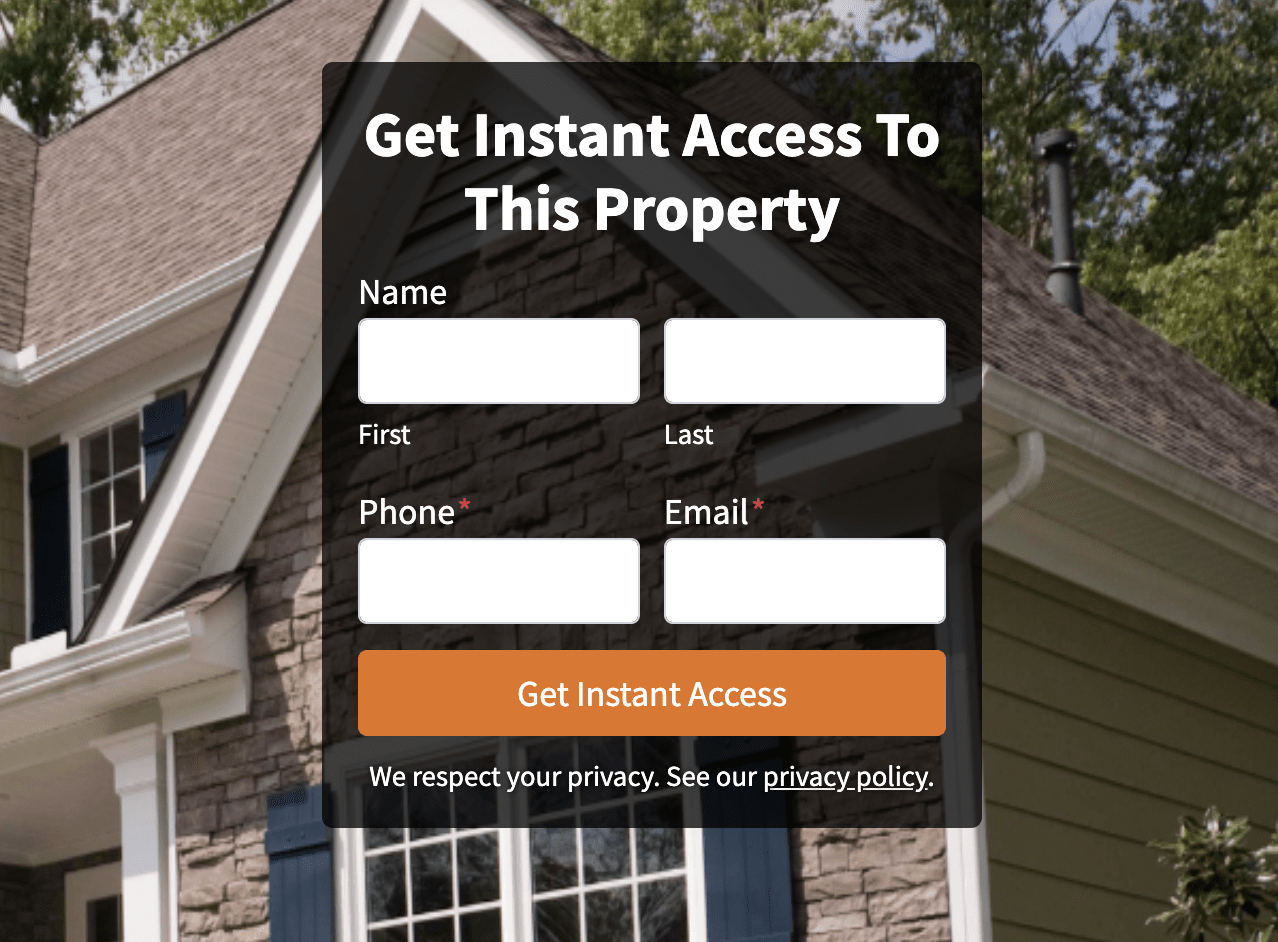
Okay. We’re going to update that. Now, we’re going to go back to the landing page and we’re going to refresh that real quick, so that way, we can use that form that we just selected, so, “Get Instant Access To This Property,” and we’re going to come down here and we’re going to make sure that we choose the image that we want on here.
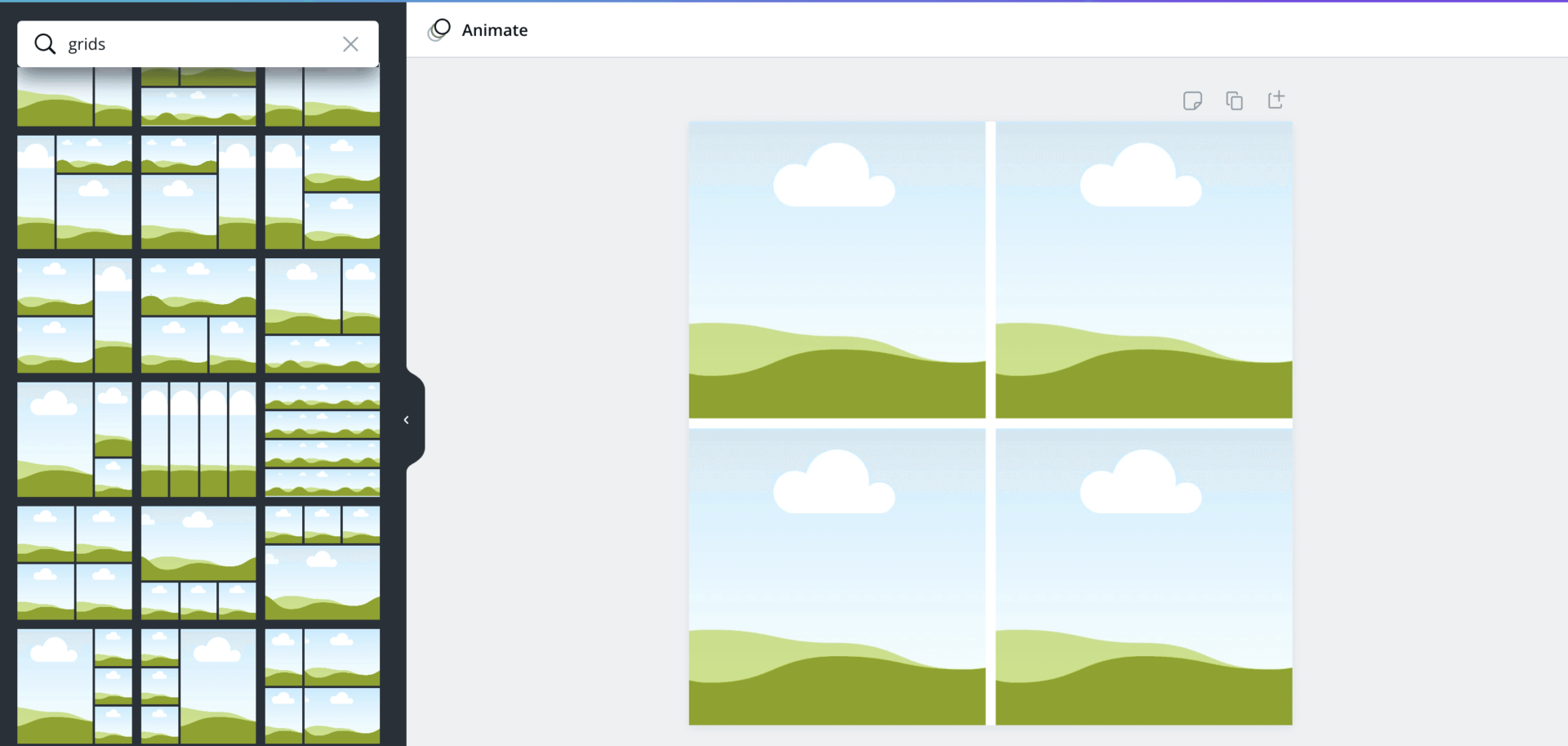
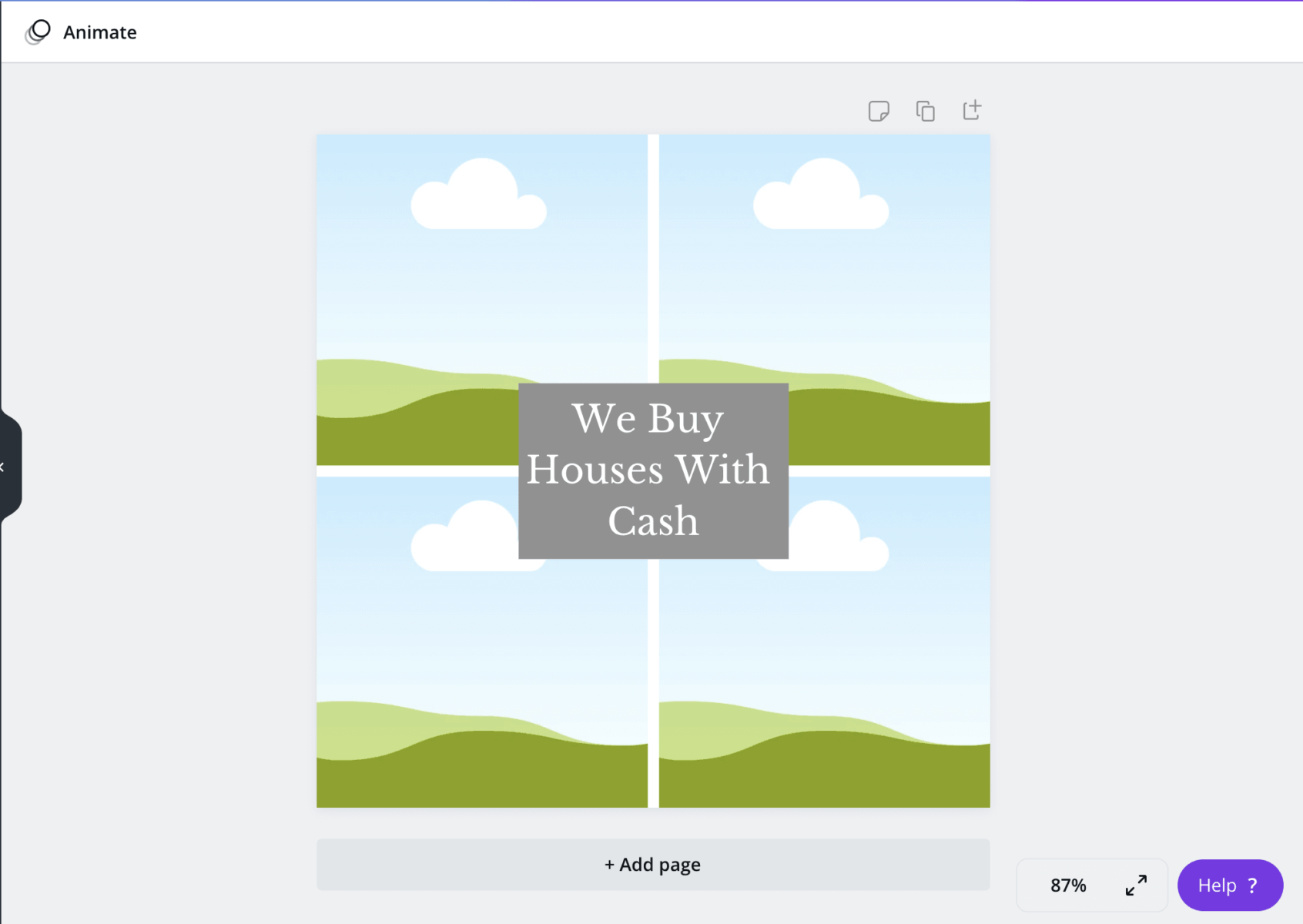
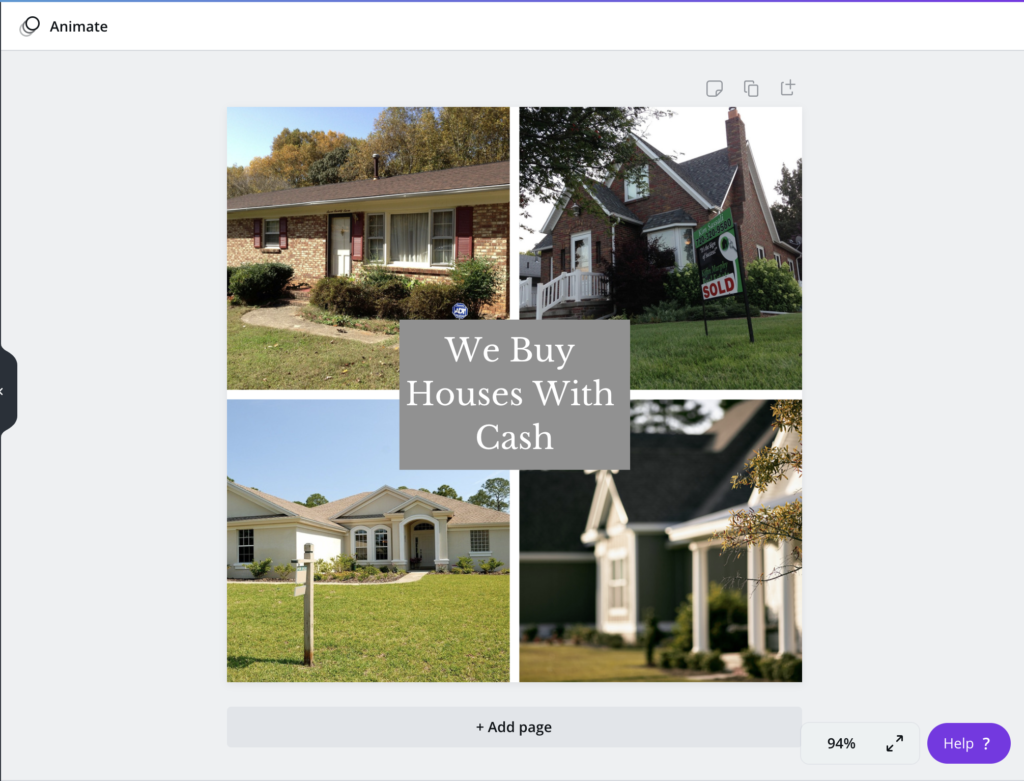
Now, I personally have found that the background image that usually works best for me is actually changing the size of the image, so when I upload it, I like to upload an image that has like a website template size, which is like 1,300 by 1,200 pixels. That usually works best.
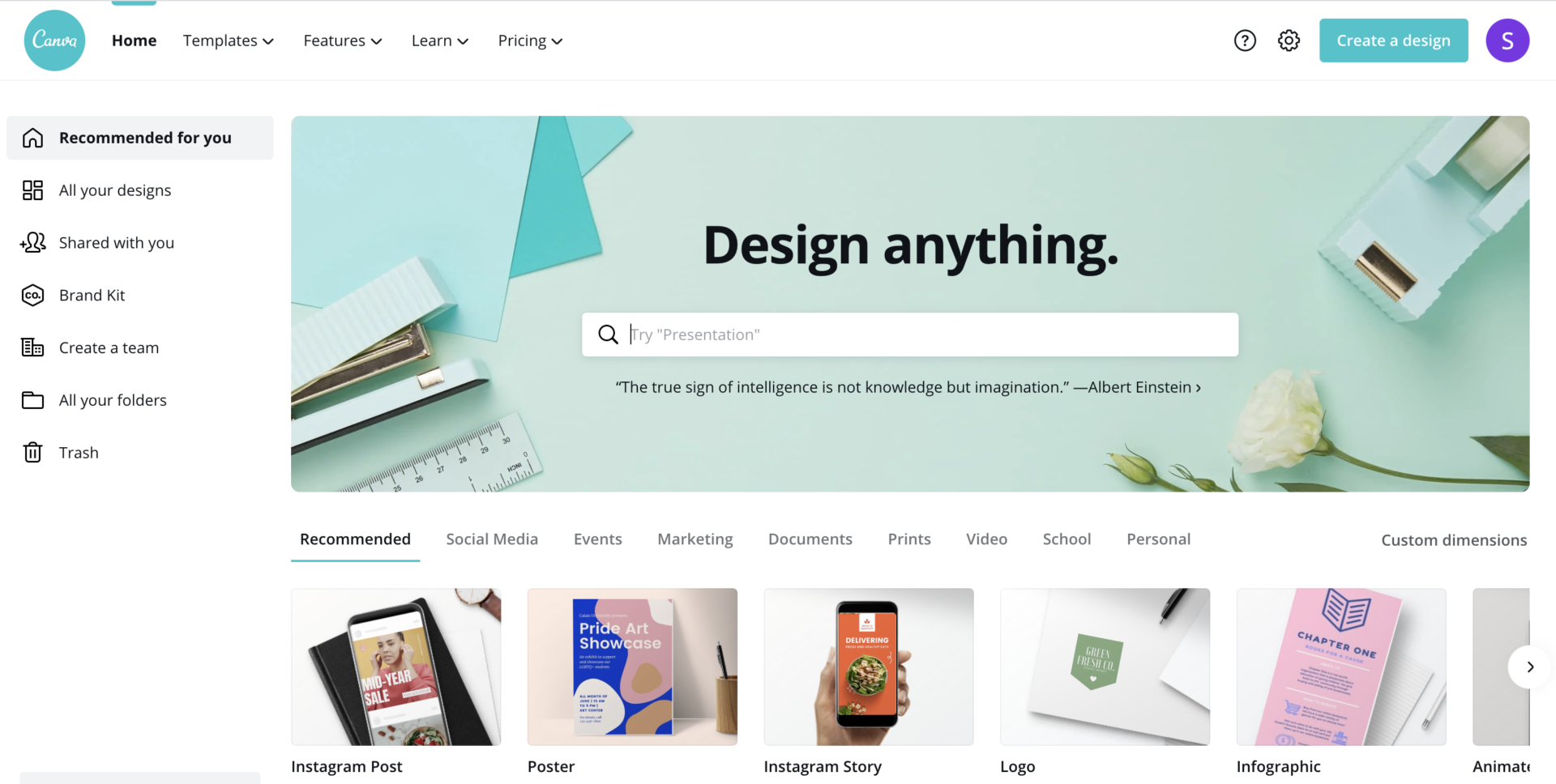
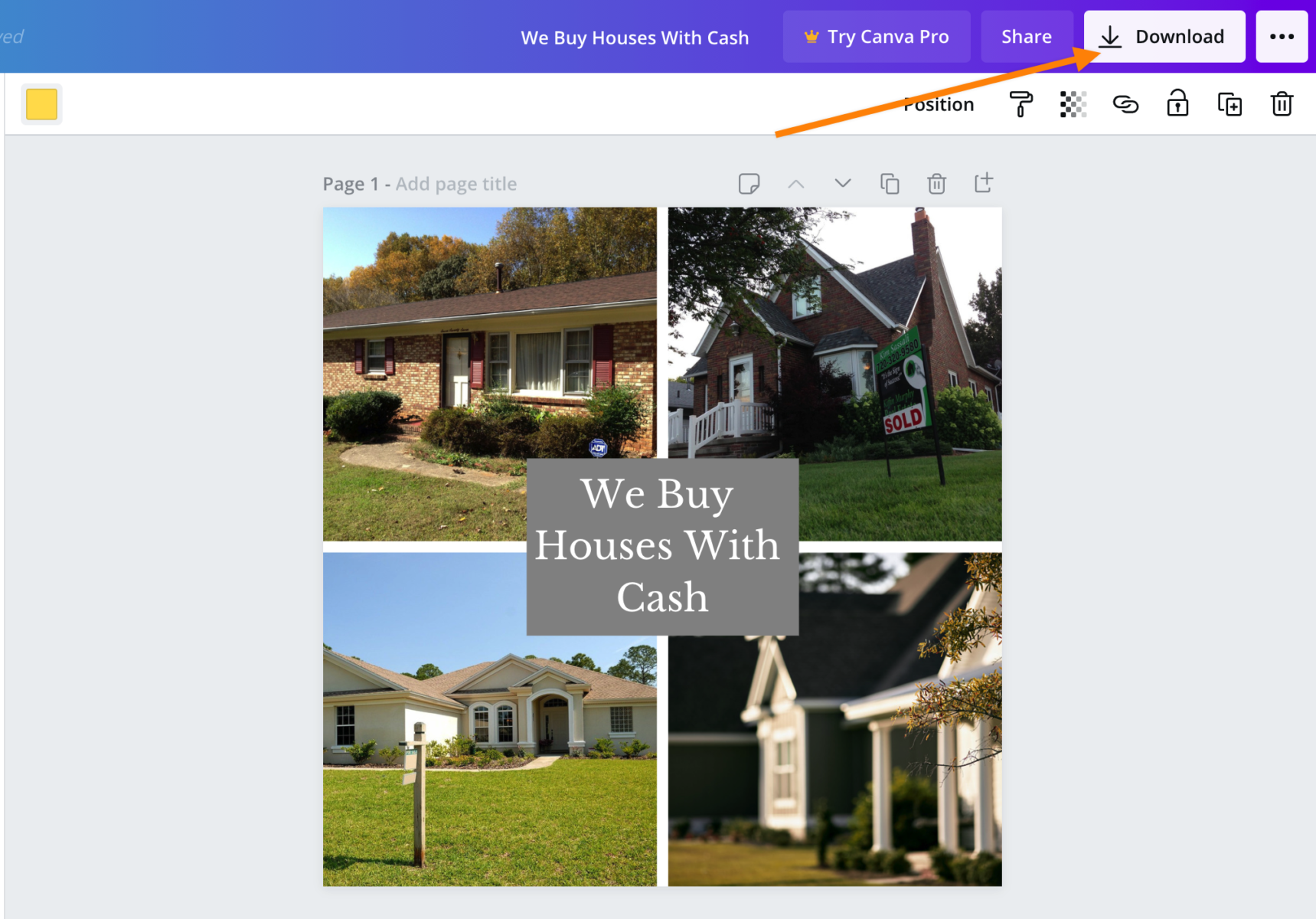
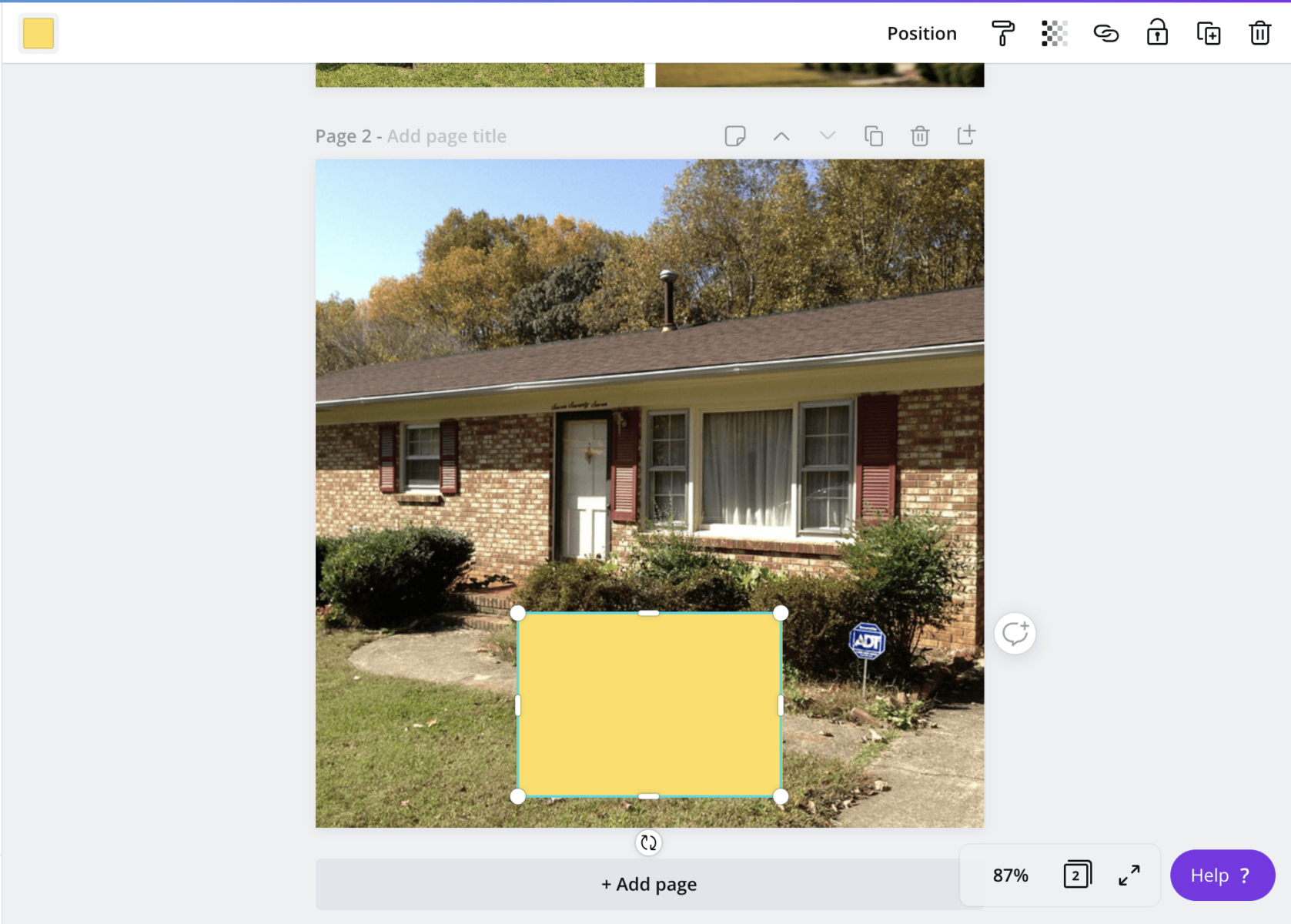
You can do that inside of Canva. If you go to canva.com, you can actually create that yourself, and it works really well. Once you have that uploaded, you’re going to go ahead and click Select. I always like to make sure to preview it beforehand. You can always publish it and change it later, but just make sure it looks nice and be able to use that.
There are some things you want to make sure that we take note of. Before we publish, I’m going to hide the header. You can leave the header if you want. I personally don’t like it, so I am going to take that away. That way, it just seems a little bit more seamless. It just is a little bit more strictly a landing page.
You can see we’ve got an easy, little landing page here, “Get Instant Access To This Property.” This is going to be the image of the home that we are going to be sending the listing or the traffic from, so just make sure that this is the listing picture.
Again, you can change those dimensions in canva.com. Then, just switch it over to the website, and then download it back onto your computer, and it will look nice and it won’t be all pixelated, and it just will be a little bit more seamless. That’s what I like to do here.
Now that we have the Carrot page ready, we just need to get the thank you page ready.
This is the landing page.
We’re going to come back to Carrot, and we are going to duplicate one of our thank you pages. I usually like to use either one of like our Contact Us or something similar just because it’s very simple and already has a structure set to it that we can edit, and then add all those pictures to it real fast.
I am going to go ahead in here, and I’m going to say, “Thank You Listing LP,” and I’m going to put, “Thank You For Connecting With Us!” I’m going to start filling out the information of the listing.
We’re going to do, “Thank You For Connecting With Us!,” and I’m going to put the address of the listing, so ABC Silver Street Listing, and for the price, $500,000, and then we’re going to put some info on the property.
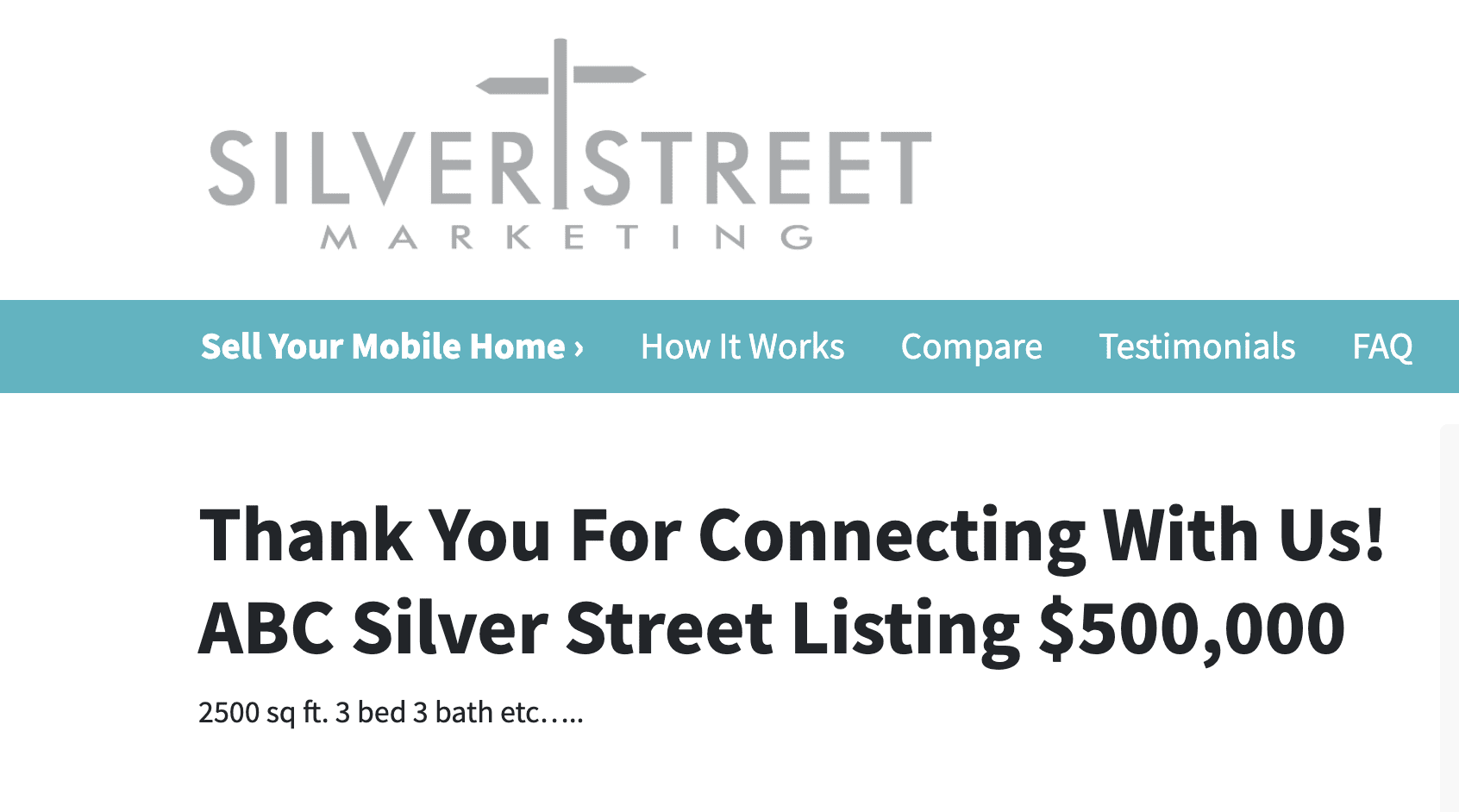
We could do a little paragraph here, and we could do 2,500 square feet, three bed, three bath, et cetera.
This will be up to you to fill out, and then we make sure to had our pictures. We’re going to go ahead and do gallery, and then you go ahead and upload those pictures here, and so this is going to be kind of our instant access page.
Then, I like to have this contact info here, but I also like to switch the bottom form to “Find more info about this property.” or “Contact us to learn more about this property,” Whatever you’d like, but I always like to have a form down here just in case if somebody has questions about the property that they want to see it, or they want to reach out to us about it. That way, they can do it from this Carrot page.
I prefer to change this form to the thank you page for the actual listing.
How to Create Your Listing Facebook Campaign to Generate Real Estate Buyer Leads and Seller Leads
Now that we have a Carrot landing page ready to go and we want to go in and start advertising that page to get people to start clicking through.
Starting with the Facebook ads manager. This is where all the fun really begins. To create this campaign, we’ll be using a conversions campaign.
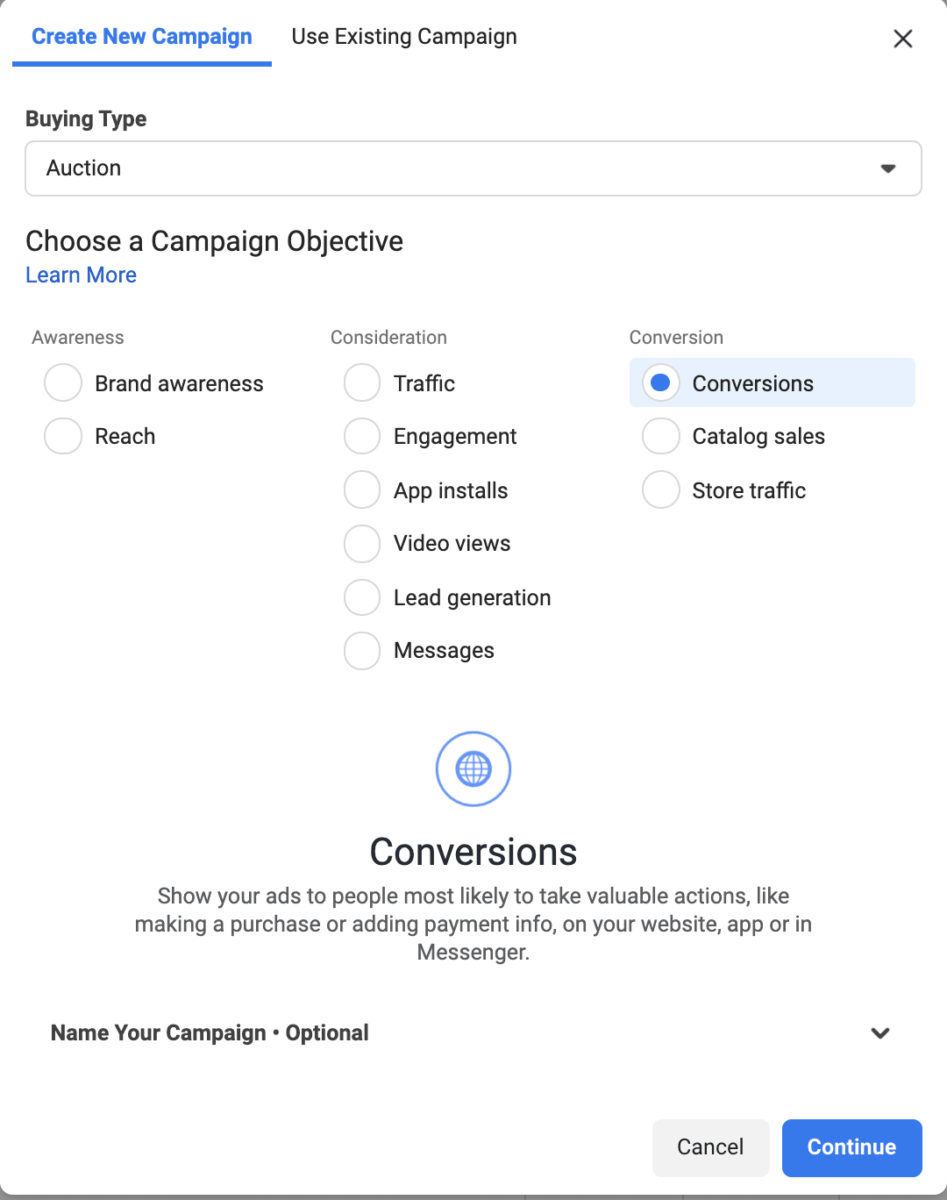
You just have to, this little, button, and then you’ll hit Conversions, and then we’ll start making this together.
Now, I already have my structure set up, but I’m going to walk you through it still the same.
First thing’s first, is we have to name the campaign. I did leads from listing, and then we have to turn on the special ad category and turn on housing. If you don’t do this, your ad account will be shut down, so make sure you do it.
Then, you’ll make sure that you’re selected on conversions, and that is it for this page.
What conversions mean is we are driving traffic in the hopes of converting a lead on our landing page. The page that we created is what we’rere basically telling Facebook, “Hey, when we sent traffic here, we expect the person to fill out these forms and click this button.”
Now, in order to be able to have this optimized with Facebook, you do need to have your Facebook Pixel installed, so you need to make sure that you have your normal pixel installed on the entirety of your website and your lead pixel or whatever you’re using to optimize the event, needs to be on your thank you page, so whatever thank you page you’re doing, you need to make sure that your tracking code is installed there.
Now let’s dive into the ad set. Now, I’ve just named this Listing Landing Page, and we have to select our conversion events. Whatever event you’re optimizing for, I prefer to optimize for lead, so I’m going to go ahead and select Lead, and then I am going to come down here. I’m going to select my budget.
For this particular … What we did for this past client is I used about $5 a day. I would suggest and arrange between five to $10 a day is a decent budget you can be used for this.
If you expect your listing to go faster, I would say put more money towards it because then, you’ll generate more leads more quickly, and then that way, you have some leads to go off of.
Maybe you can dual represent, or you’re going to have leads that you’re going to be able to get back to that are interested in the property before it’s under contract to help bump up that price. Next, we’re going to select Manual Placements, and deselect these bottom two.
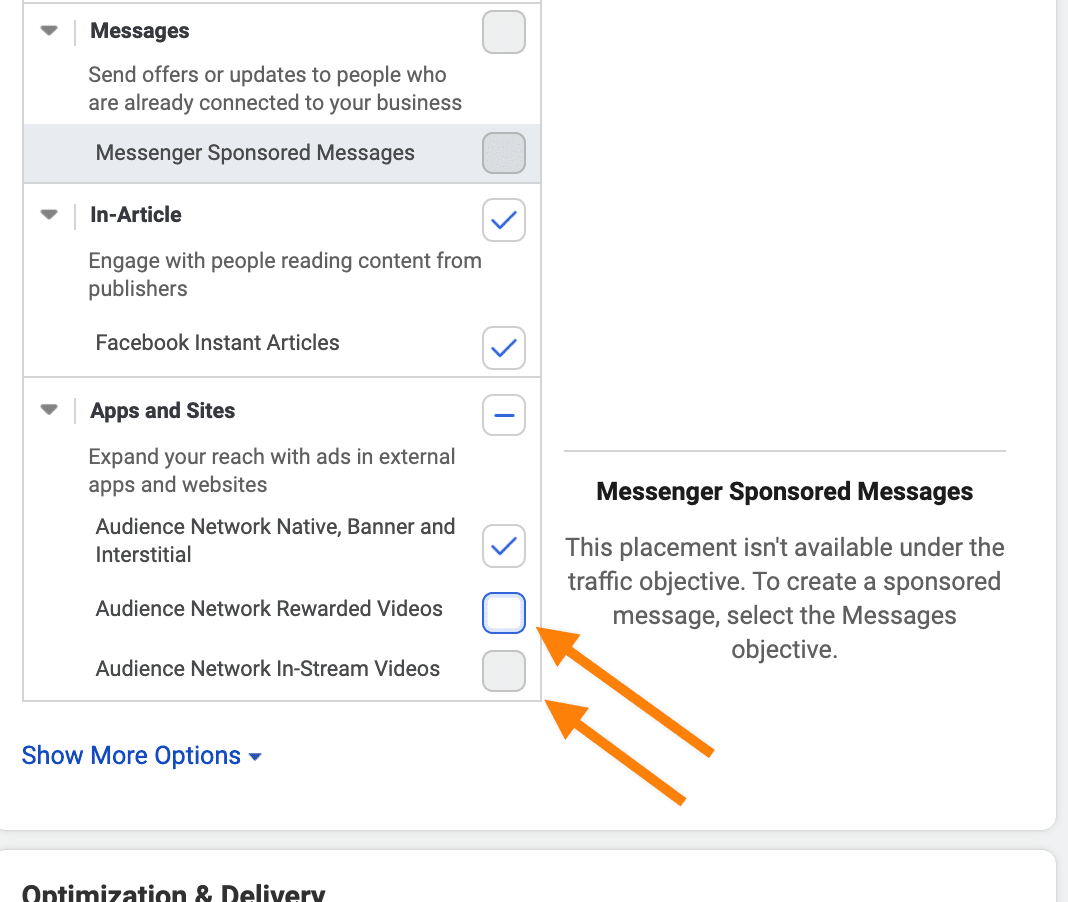
We don’t want them in the rewarded videos or the in-stream videos, so we’re going to take away the in-stream, and under the Apps and Sites, the rewarded and the in-stream videos.
Now into the ad, which is the fun part. Make sure you select your page, and I suggest getting a photo of the listing and putting it here. We’re just going to use a single image, and it’s going to automatically … If you place it, I would suggest using a square image for this because the square image will automatically adjust the formatting for all of the formats on Facebook, so if you have a square image like a 500 by 500 or 600 by 600, that will work best here.
We’re going to come down to the copy. Now, if you want this copy for free, feel free to use the same structure.
You can also just comment on the bottom, your email, and we would love to send you a little booklet of sample copy that you can use in your ads to generate motivated seller leads or buyer leads, as well as advertising listings, and kind of the template that we used to do that. Here, I like to use a couple of emojis in the beginning just to kind of capture some attention, and then I use a hashtag, and then I kind of put in just the info of the property.
Right below that first immediate description, I put view price and photos of this property now, and I put a Bitly link. I use a direct link that goes … You can use it, either use the direct link for your website, or you can create it into a Bitly link with some custom URL parameters if you want to track where those leads are coming from, but I go ahead and I put that in a copy so people can click immediately to go straight to that listing. I do a little bit more of the description of the listing.
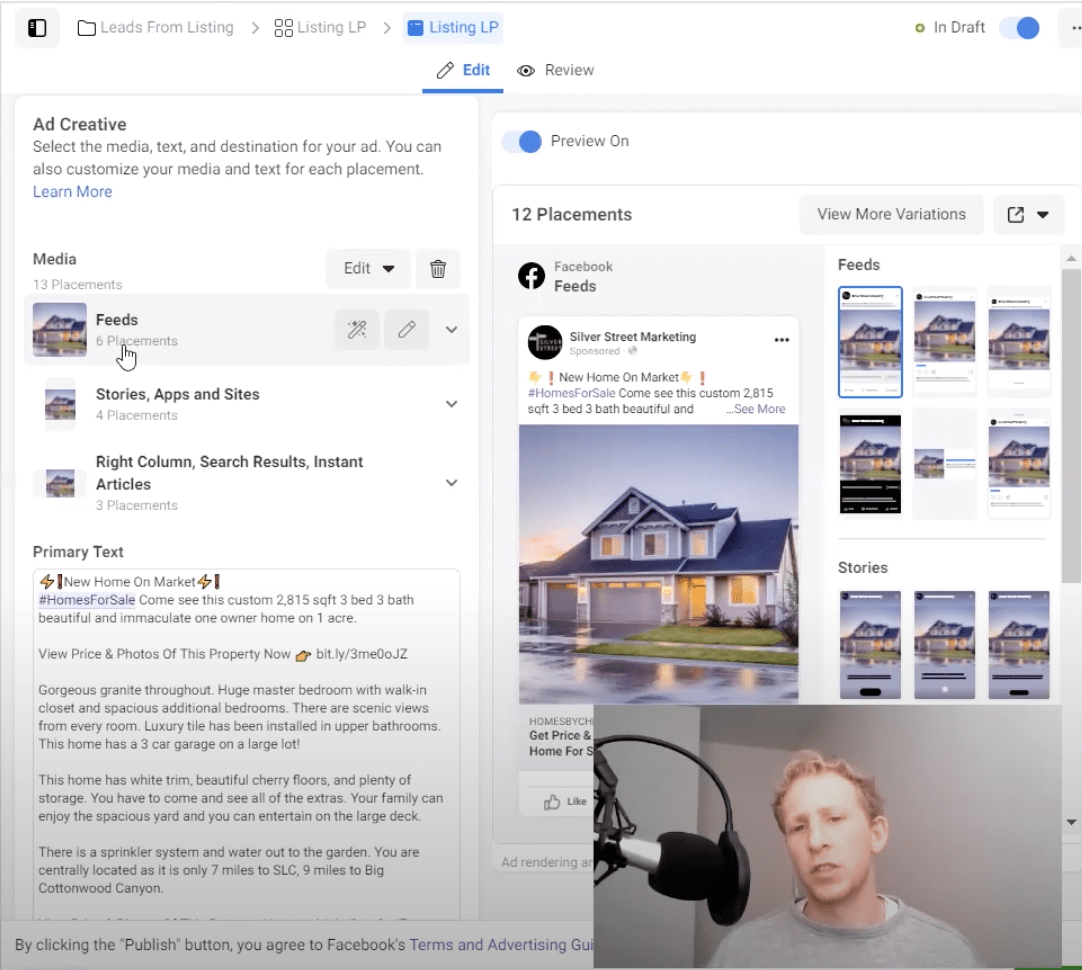
Usually, I take that as my description I’m using on the MLS, and then lastly, I do another direct link there, “View Price & Photos of This Property Now.” If you remember, this was kind of our like main value and hook proposition, be able to get them on the path to going to our website for the goal to fill out the lead form.
I’ve used a headline, “Get Price & Photos Of This Home For Sale Instantly,” and we’ve got a website, and then we’ve put in our URL. Also, make sure our Facebook Pixel is selected, and use the Learn More button.
You can see multiple variations of this ad, so you can see them in different placements just by clicking and checking out the different placements, so you’ll be free to be able to see what it’s going to look like in different parts of Facebook.
Now, click Publish, and your ads will start going live, and they will be driving to that landing page. Make sure you’ve got everything, your lead form, your landing page, your thank you page, all put together with the information of the listing on your thank you page, and you will be good to go.
Now, I know that’s a lot of information. There are other ways to be able to do this, but I have found that this has driven a lot of leads for my clients. If you are interested in learning more, you can always go to our YouTube channel.
You can always reach out to us, silverstreetmarketing.com. We do have account build-outs, where we create the account for you, or we have accounts where we will actually manage it for you and be in there every single day to make sure to bring you more leads, more deals, and more value.